Website Redesign Checklist: What to Fix Before You Rebuild

Website Redesign Checklist: What to Fix Before You Rebuild

A website redesign should solve real problems, not just make the site look newer. Before rebuilding anything, it helps to understand what is already working, what is causing friction and what actually needs to change. Otherwise, it is easy to spend money redesigning the same problems into a different layout. This checklist will help you decide what should be fixed before the redesign begins.

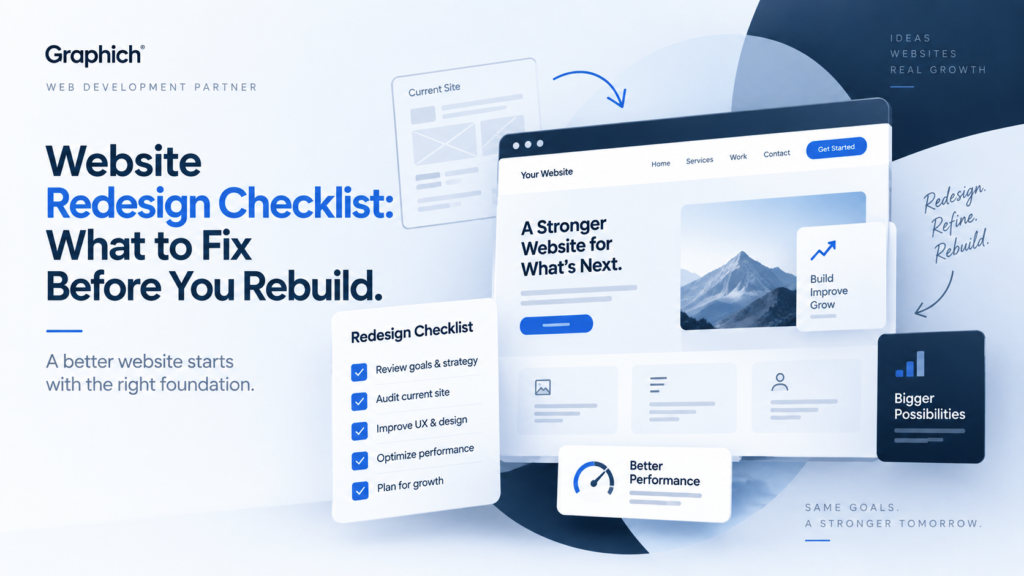
Website redesign checklist showing UX, performance and website improvement planning

1. Be clear about why you are redesigning

Start with the reason.

Maybe the website looks outdated, loads slowly, is difficult to manage, does not generate enough enquiries or no longer represents the business properly.

Try to define the problem in practical terms.

For example, “the site looks old” is less useful than “visitors struggle to understand what we offer and very few reach the enquiry form.”

A redesign works better when there is a clear business reason behind it.

2. Check whether the website structure still makes sense

Over time, websites often collect extra pages, duplicate content and confusing navigation.

Before designing anything new, review the existing structure.

Ask whether visitors can quickly find your main services, understand what you do and reach the next logical step.

If important pages are buried or the navigation has become complicated, fix the structure before worrying about colours, animations or visual style.

3. Review your most important pages

Not every page deserves the same amount of attention.

Focus first on the pages that directly influence enquiries, sales or important customer decisions.

These normally include your homepage, main service pages, pricing or contact pages, and any important landing pages.

Look at whether each page clearly explains:

  • what the service is
  • who it is for
  • why someone should choose you
  • what they should do next
  • whether there is enough trust and supporting information

If those basics are unclear, the redesign should fix them.

4. Keep what is already working

A redesign does not mean everything needs to be replaced.

Some pages may already rank well in Google, generate leads or answer customer questions effectively.

Removing or completely rewriting successful content without a reason can create unnecessary risk.

Before rebuilding, identify which pages, content and URLs are already valuable so they can be preserved or improved rather than accidentally lost.

5. Find the biggest UX problems

Look at the site from the visitor’s point of view.

Are buttons easy to find? Are forms too long? Does the mobile version feel cramped? Are there sections that are difficult to understand?

Small usability problems can have a large impact when they appear throughout the website.

A proper redesign should remove friction instead of simply putting a new visual layer on top of it.

If you are unsure where visitors are struggling, a website conversion audit can help identify the most important problems before development begins.

6. Check performance and technical problems

A redesign is also a good opportunity to fix technical issues that have built up over time.

Check for slow pages, broken links, outdated plugins, poor mobile behaviour, form problems and unnecessary scripts.

If the existing website has serious technical problems, decide whether they should be repaired first or whether rebuilding is the more sensible option.

The answer depends on how much of the existing site is still worth keeping.

7. Review your content before moving it

Do not automatically copy every old paragraph into the new website.

Some content may be outdated, repetitive or no longer relevant.

Review each important page and decide what should stay, what needs rewriting and what can be removed.

This usually makes the new website clearer and prevents old problems from being carried into the redesign.

8. Plan SEO before the new website is launched

SEO should not be something added after the redesign is finished.

Important URLs, page titles, headings, internal links and redirects should be considered during the rebuild.

If a page URL changes, the old address may need to redirect to the new one so search engines and visitors do not reach a dead page.

This is especially important if the existing website already receives search traffic.

9. Decide what success will look like

Before starting the redesign, decide how you will know whether it worked.

The goal could be more enquiries, clearer navigation, faster load times, better mobile usability or easier website management.

Having a clear goal helps prevent the project from becoming a subjective debate about design preferences.

Should you redesign or just fix the exis

Not every website needs a complete rebuild.

If the basic structure, platform and content are still good, targeted improvements may be enough.

But if the site has major structural, design and technical problems at the same time, a redesign can often be cleaner and more cost-effective than repeatedly patching the existing build.

If you are unsure which direction makes sense, start with a free website check. It can help identify whether your biggest problems need a focused repair or a broader redesign.

If your website has outgrown its current design, structure or technology, Graphich provides website redesign services focused on improving the site rather than simply changing how it looks.

Releted resources

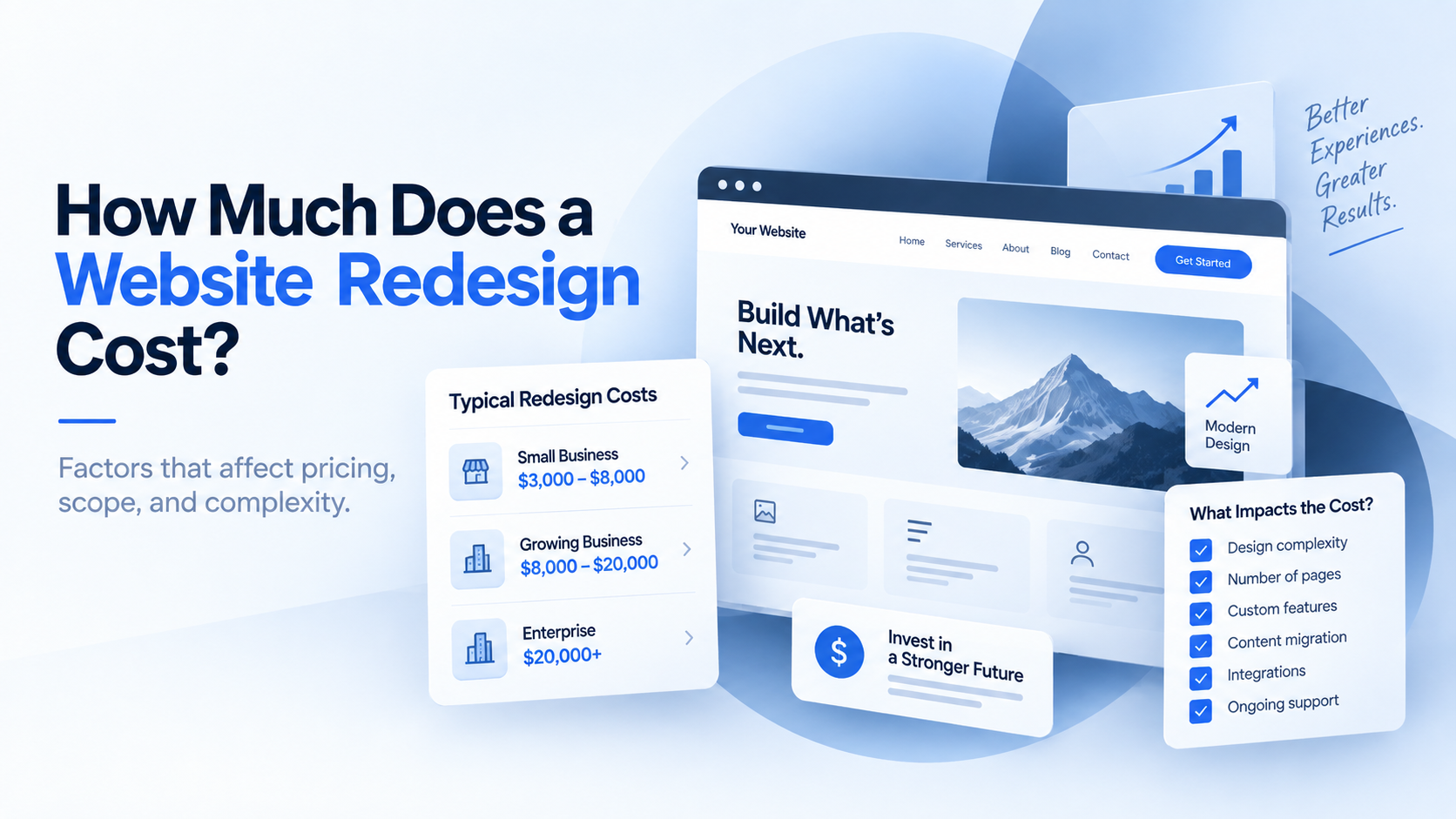
Website redesign cost breakdown showing design, development, content and technical factors

How Much Does a Website Redesign Cost?

When a website is slow, outdated, difficult to manage or no longer generating enough enquiries, the first question is usually simple: Should you fix the existing website, or rebuild it properly? There is no single answer for every business. Sometimes a focused repair is enough. In other cases, continuing to patch the same website only delays an inevitable rebuild. The right decision depends on how much of the current website is still worth keeping.
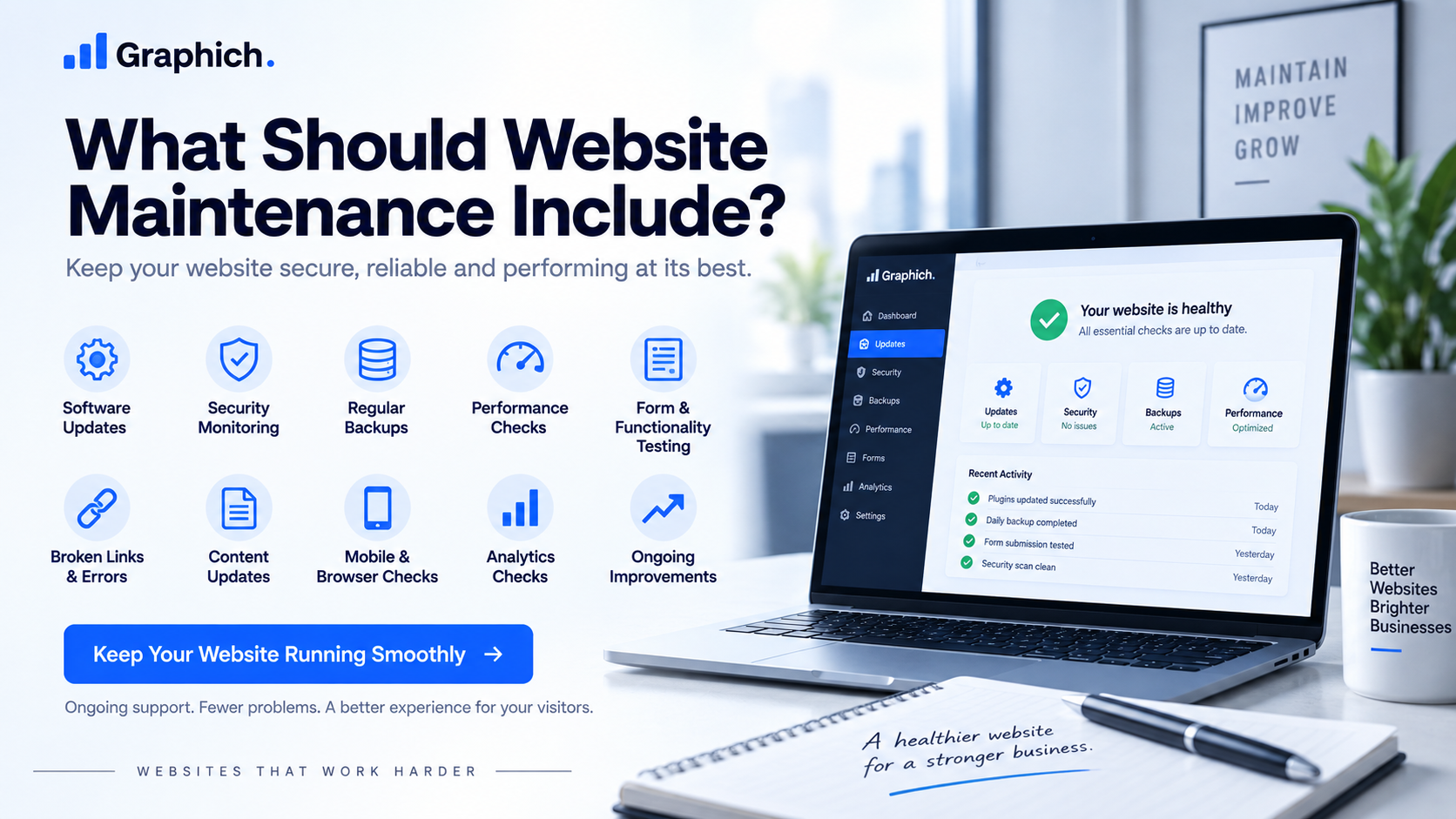
Website maintenance checklist covering updates, security, backups, performance and ongoing improvements

What Should Website Maintenance Include?

When a website is slow, outdated, difficult to manage or no longer generating enough enquiries, the first question is usually simple: Should you fix the existing website, or rebuild it properly? There is no single answer for every business. Sometimes a focused repair is enough. In other cases, continuing to patch the same website only delays an inevitable rebuild. The right decision depends on how much of the current website is still worth keeping.

Repair or rebuild website comparison showing website fixes and a full redesign option

Repair or Rebuild Your Website? How to Decide

When a website is slow, outdated, difficult to manage or no longer generating enough enquiries, the first question is usually simple: Should you fix the existing website, or rebuild it properly? There is no single answer for every business. Sometimes a focused repair is enough. In other cases, continuing to patch the same website only delays an inevitable rebuild. The right decision depends on how much of the current website is still worth keeping.