
What Should Website Maintenance Include?

What Should Website Maintenance Include?

When a website is slow, outdated, difficult to manage or no longer generating enough enquiries, the first question is usually simple: Should you fix the existing website, or rebuild it properly? There is no single answer for every business. Sometimes a focused repair is enough. In other cases, continuing to patch the same website only delays an inevitable rebuild. The right decision depends on how much of the current website is still worth keeping.

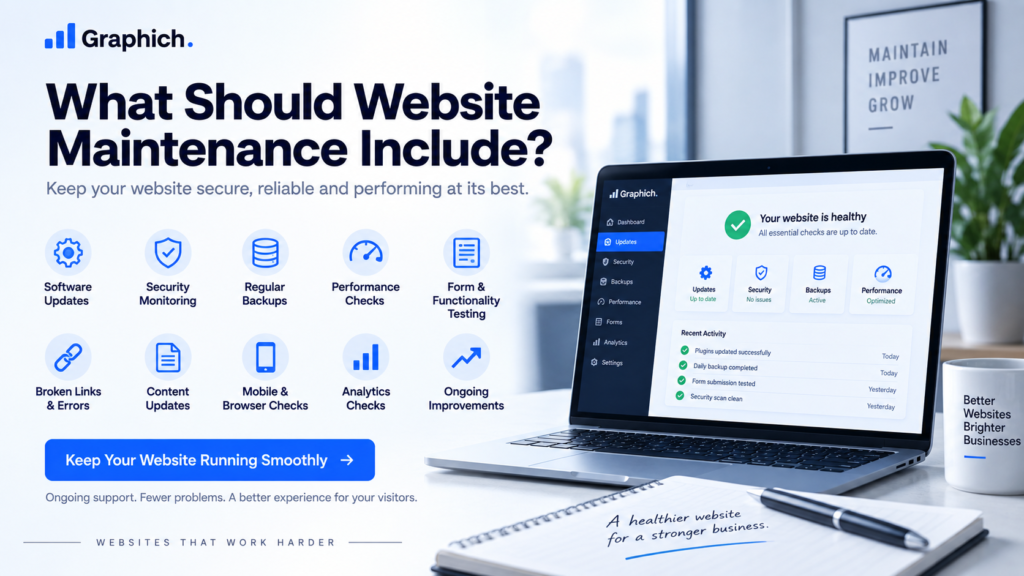
Website maintenance checklist covering updates, security, backups, performance and ongoing improvements

1. Software and plugin updates

If your website uses WordPress or another CMS, its core software, plugins and themes need regular updates.

Updates often include security fixes, compatibility improvements and bug fixes.

However, updates should not simply be installed without checking the website afterwards.

A maintenance process should confirm that important pages, forms and functionality still work correctly after changes are made.

2. Security monitoring

Website security is one of the most important parts of ongoing maintenance.

Maintenance should include basic protection against common problems such as outdated software, suspicious login attempts, malware and unauthorized changes.

Security also depends on good hosting, strong account access and keeping unnecessary software off the website.

The objective is not to claim that a website can never be attacked. It is to reduce unnecessary risk and identify problems quickly when something unusual happens.

3. Regular backups

A working backup provides a way to recover the website if something goes wrong.

Backups are useful after:

  • failed updates
  • accidental changes
  • server problems
  • malware incidents
  • database issues

Backups should be created regularly and stored somewhere reliable.

It is also important to know that the backup can actually be restored. A backup that cannot be used when needed provides very little protection.

4. Website performance checks

A website can gradually become slower as new plugins, scripts, tracking tools and content are added.

Maintenance should include occasional performance checks to identify unnecessary problems.

This may involve reviewing:

  • page loading speed
  • oversized images
  • caching
  • unnecessary scripts
  • plugin performance
  • database buildup
  • hosting limitations

Not every small speed score needs to be chased. The priority should be keeping the real user experience fast and stable.

5. Form and functionality testing

A website can look perfectly normal while important functionality has stopped working.

Contact forms are a common example.

If a form fails silently, a business may lose enquiries without realizing there is a problem.

Important functionality should therefore be tested periodically, including:

  • contact forms
  • enquiry forms
  • booking systems
  • email notifications
  • payment functionality
  • important integrations

The exact checks depend on what the website actually does.

6. Broken links and page errors

Websites change over time.

Pages are removed, external websites change their URLs and old links can eventually stop working.

Regular maintenance should identify important broken links and 404 errors.

This improves the experience for visitors and also helps prevent users from reaching dead ends while moving through the site.

7. Content updates

Maintenance is not only technical.

Business information also changes.

Services, team members, pricing, contact information and company messaging can become outdated.

Important pages should occasionally be reviewed to make sure the information is still accurate.

There is no need to rewrite the website every month. The goal is simply to prevent outdated information from remaining online for years.

8. Mobile and browser checks

Browsers, devices and website software continuously change.

Something that worked correctly when the website launched may behave differently later.

Important pages should occasionally be checked on common desktop and mobile devices.

Pay particular attention to navigation, buttons, forms and sections that rely on interactive behaviour.

9. Analytics and tracking checks

If your website uses analytics, advertising pixels or conversion tracking, maintenance should include checking that important tracking is still working.

Website updates can sometimes break tracking without affecting the visible website.

That means the site may continue working while your reporting becomes inaccurate.

For businesses relying on website data to make decisions, this is worth checking periodically.

10. Small ongoing improvements

Maintenance can also include minor improvements rather than only fixing problems.

For example:

  • improving a confusing section
  • updating a call-to-action
  • replacing an outdated image
  • improving mobile spacing
  • adding a new testimonial
  • simplifying a form

Small improvements made consistently can prevent the website from becoming outdated and reduce the need for large corrective projects later.

What website maintenance should not become

Maintenance should not turn into endless unnecessary work.

A good maintenance plan should focus on the things that actually protect the website and support the business.

The exact level of maintenance depends on the site.

A simple brochure website may need much less attention than an ecommerce platform, membership website or site with several integrations.

The right approach is to maintain what genuinely matters.

When maintenance is no longer enough

Sometimes a website has problems that normal maintenance cannot solve.

If the site is repeatedly breaking, extremely difficult to manage or built on an unstable foundation, ongoing maintenance may only be treating the symptoms.

In that situation, a focused Website Rescue Sprint or a larger rebuild may make more sense.

If the website itself is healthy but simply needs someone to keep it secure, updated and reliable, Graphich’s website maintenance services provide ongoing support without requiring your team to manage the technical work.

Releted resources

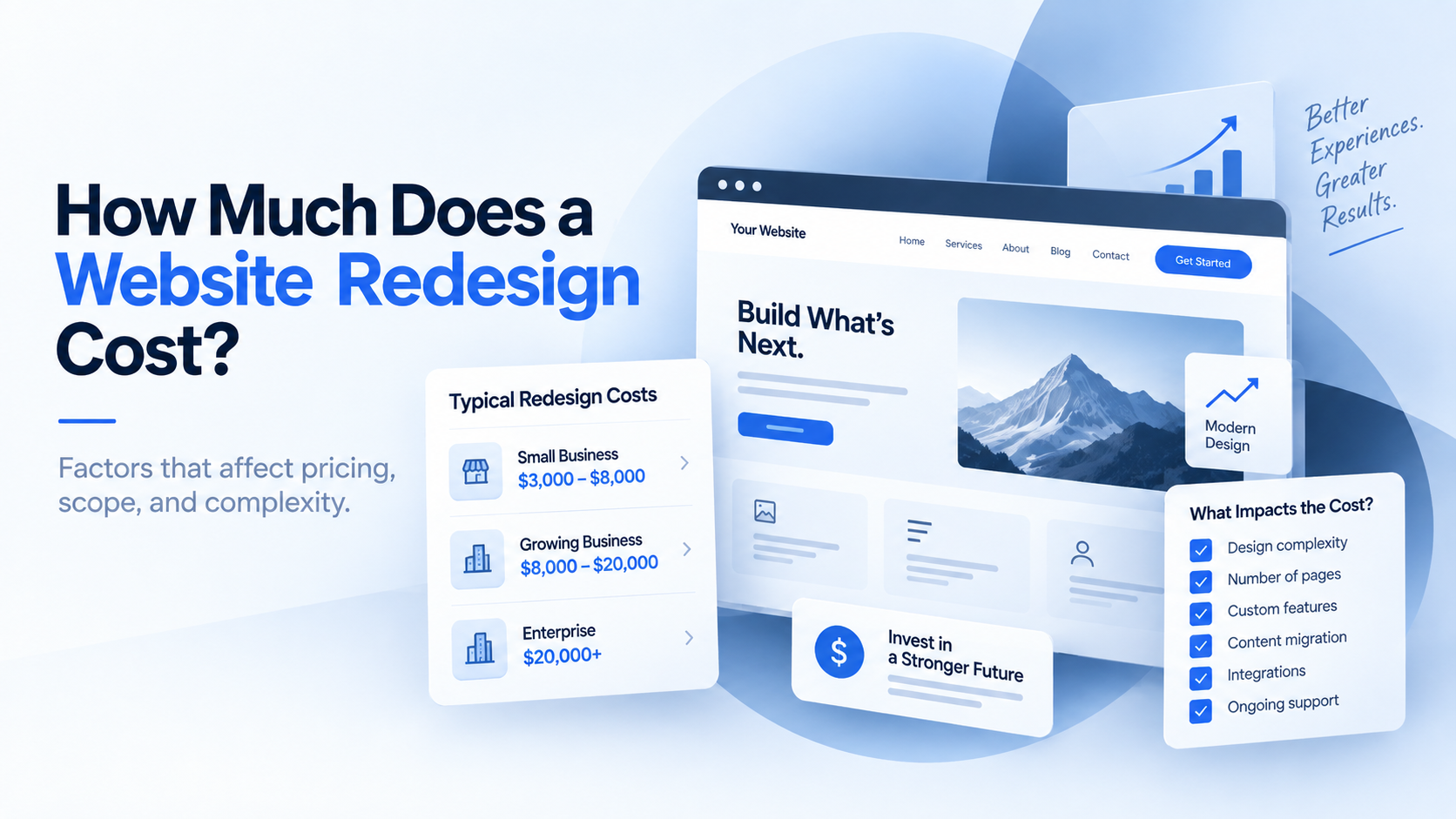
Website redesign cost breakdown showing design, development, content and technical factors

How Much Does a Website Redesign Cost?

When a website is slow, outdated, difficult to manage or no longer generating enough enquiries, the first question is usually simple: Should you fix the existing website, or rebuild it properly? There is no single answer for every business. Sometimes a focused repair is enough. In other cases, continuing to patch the same website only delays an inevitable rebuild. The right decision depends on how much of the current website is still worth keeping.
Repair or rebuild website comparison showing website fixes and a full redesign option

Repair or Rebuild Your Website? How to Decide

When a website is slow, outdated, difficult to manage or no longer generating enough enquiries, the first question is usually simple: Should you fix the existing website, or rebuild it properly? There is no single answer for every business. Sometimes a focused repair is enough. In other cases, continuing to patch the same website only delays an inevitable rebuild. The right decision depends on how much of the current website is still worth keeping.

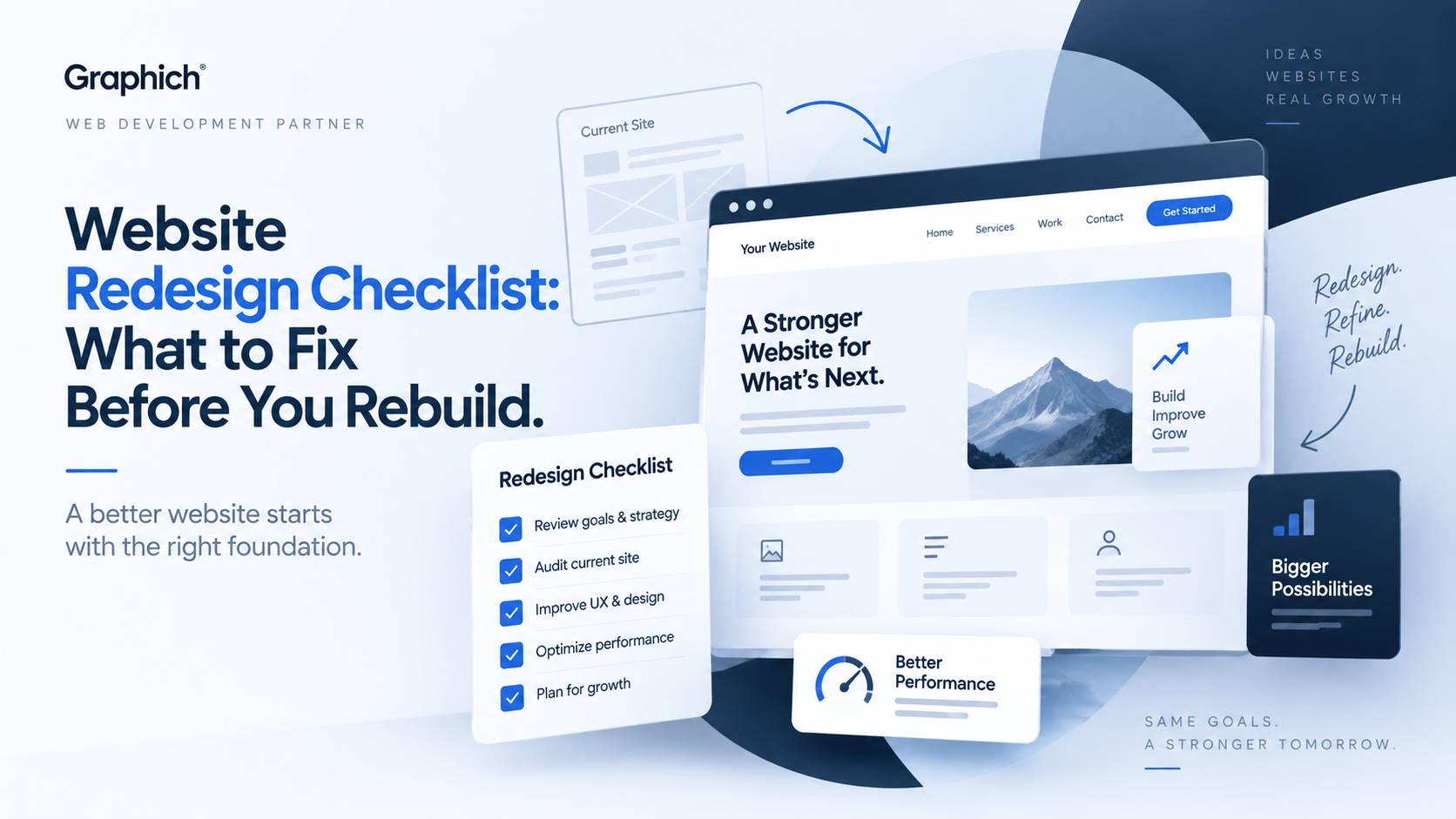
Website redesign checklist showing UX, performance and website improvement planning

Website Redesign Checklist: What to Fix Before You Rebuild

A website redesign should solve real problems, not just make the site look newer. Before rebuilding anything, it helps to understand what is already working, what is causing friction and what actually needs to change. Otherwise, it is easy to spend money redesigning the same problems into a different layout. This checklist will help you decide what should be fixed before the redesign begins.

Leave a Reply

Your email address will not be published. Required fields are marked *