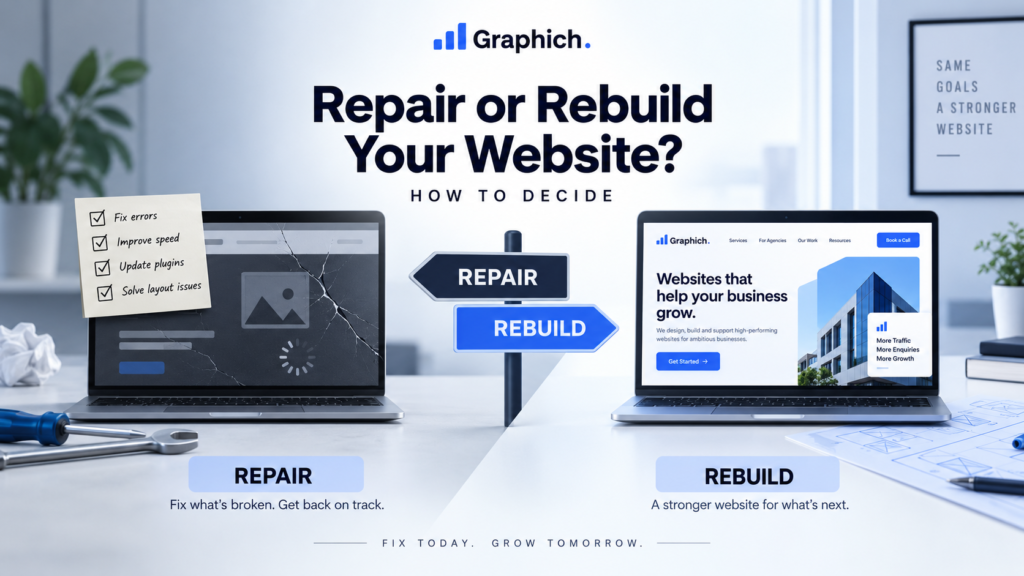
A repair is usually the better option when the core website is still fundamentally sound.
That means the platform works, the structure makes sense and most of the website is still usable.
You may only need targeted fixes if the problems are limited to things like:
In these situations, rebuilding the entire website can create unnecessary cost and disruption.
A focused repair can often solve the main problems much faster.
A rebuild becomes more reasonable when several major problems exist at the same time.
For example, the website may be technically unstable, difficult to edit, visually outdated and poorly structured.
If every improvement requires another workaround, the website may have reached the point where repairing it is no longer efficient.
A rebuild is often worth considering when:
At that point, fixing one issue at a time can become more expensive than starting with a cleaner foundation.
Not every page deserves the same amount of attention.
Focus first on the pages that directly influence enquiries, sales or important customer decisions.
These normally include your homepage, main service pages, pricing or contact pages, and any important landing pages.
Look at whether each page clearly explains:
If those basics are unclear, the redesign should fix them.
One of the biggest differences between a repair and a rebuild is the website structure.
If your main pages, navigation and user journeys still make sense, they can often be improved without replacing everything.
But if visitors struggle to understand what you offer, important pages are buried or the website has grown without a clear structure, a rebuild gives you an opportunity to reorganize it properly.
Changing structure is much easier before development begins than after a new design has already been built.
The visible design is only part of the decision.
A website can look acceptable while having serious technical problems behind the scenes.
Check whether the website suffers from frequent errors, plugin conflicts, security issues, poor performance or unreliable updates.
If the underlying system is healthy, repairs may be enough.
If every change risks breaking something else, continuing to patch it may not be the best long-term option.
A Website Rescue Sprint can be useful when you need to stabilize the existing site first and understand whether it is still worth keeping.
Your website should not require technical help every time you want to make a normal update.
If your team struggles to change text, add pages or manage content, that is worth considering.
Sometimes the issue can be solved by cleaning up the existing CMS.
But if the site was built in a complicated way that makes even simple changes difficult, rebuilding with a cleaner setup may save time in the long run.
Do not assume everything should be replaced.
Some existing pages may already rank well in Google, generate enquiries or perform strongly with users.
Those pages should be identified before any major changes are made.
If you rebuild the site, useful content and valuable URLs should be preserved wherever possible.
A rebuild should improve what is weak without accidentally removing what is already working.
Repairing a website may be cheaper today.
But if you already know another major fix will be needed next month, and another after that, the total cost can quickly add up.
The better question is:
Which option gives the business a more stable website for the next few years?
A repair is valuable when it genuinely extends the useful life of the site.
A rebuild makes more sense when repairs are only postponing the same problems.
Repair the website when:
Consider rebuilding when:
If you are still unsure, start by understanding the problems before committing to either option.
A free website check can help identify whether the site needs focused repairs or a broader rebuild.
If the website only needs urgent technical fixes, Graphich’s Website Rescue Sprint is designed to stabilize and improve the existing site.
If the problems are deeper, our website redesign services provide a cleaner path to rebuilding the site around your current business needs.
When a website is slow, outdated, difficult to manage or no longer generating enough enquiries, the first question is usually simple: Should you fix the existing website, or rebuild it properly? There is no single answer for every business. Sometimes a focused repair is enough. In other cases, continuing to patch the same website only delays an inevitable rebuild. The right decision depends on how much of the current website is still worth keeping.
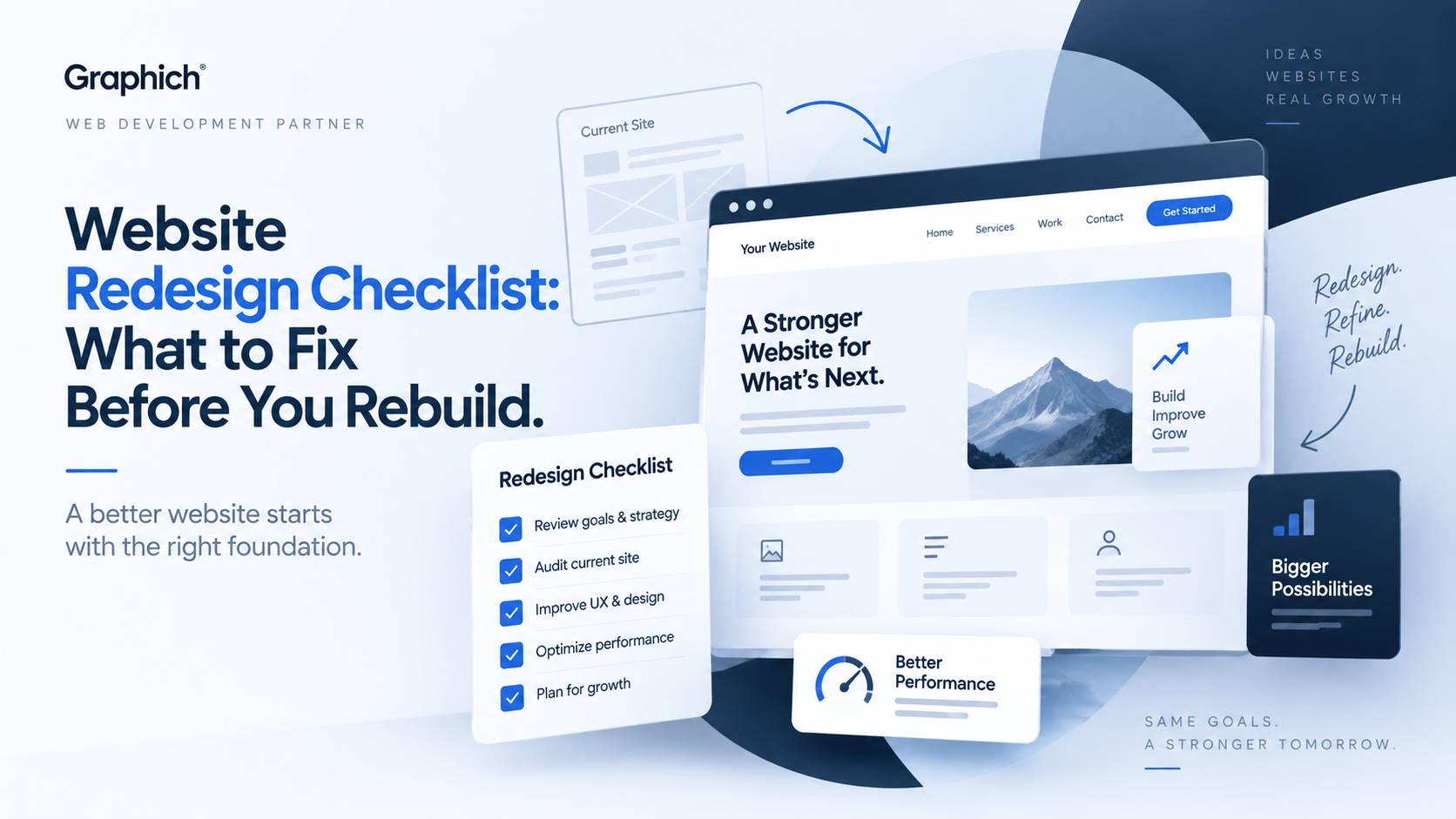
A website redesign should solve real problems, not just make the site look newer. Before rebuilding anything, it helps to understand what is already working, what is causing friction and what actually needs to change. Otherwise, it is easy to spend money redesigning the same problems into a different layout. This checklist will help you decide what should be fixed before the redesign begins.