
How Much Does a Website Redesign Cost?

How Much Does a Website Redesign Cost?

When a website is slow, outdated, difficult to manage or no longer generating enough enquiries, the first question is usually simple: Should you fix the existing website, or rebuild it properly? There is no single answer for every business. Sometimes a focused repair is enough. In other cases, continuing to patch the same website only delays an inevitable rebuild. The right decision depends on how much of the current website is still worth keeping.

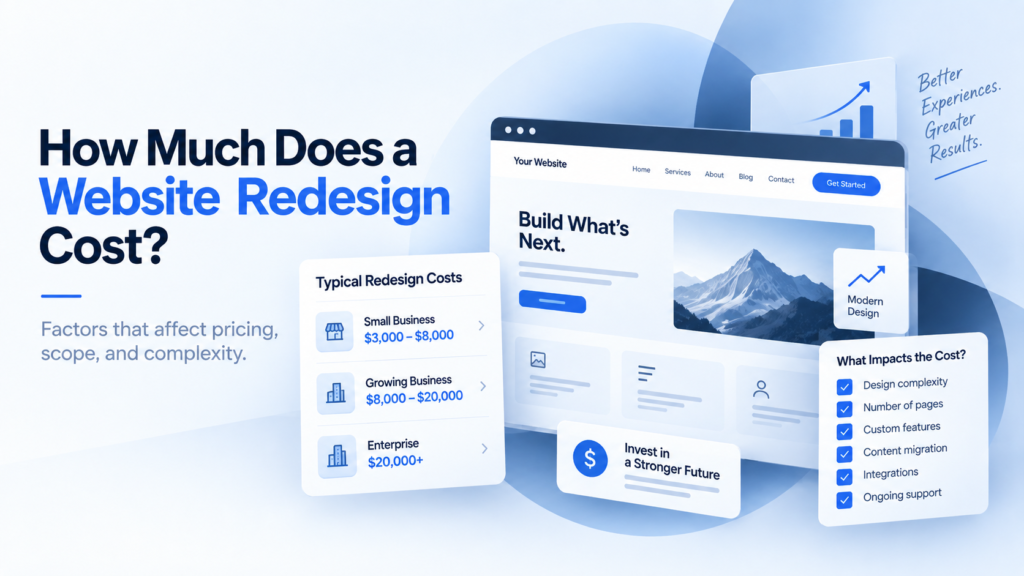
Website redesign cost breakdown showing design, development, content and technical factors

What affects the cost of a website redesign?

Several factors have the biggest impact on the final price.

1. Number of pages

A small business website with five or six pages requires much less design, development and testing than a website with dozens of service, location or resource pages.

However, page count alone does not determine cost.

Ten simple pages may require less work than three highly customized pages with complex functionality.

2. How much of the current website can be reused

A redesign does not always mean replacing everything.

If the current website already has a good structure, useful content and a stable technical setup, some elements may be retained.

That can reduce the amount of work required.

If the website has major structural, design and technical problems, rebuilding more of it will naturally increase the project scope.

Our website redesign checklist can help identify what should be kept, improved or replaced before development begins.

3. Custom design requirements

Using an existing design system or a relatively simple layout will generally cost less than creating a highly customized visual experience.

More complex projects may require:

  • custom page layouts
  • unique interactive sections
  • animations
  • custom illustrations
  • advanced responsive behaviour
  • multiple design concepts

The more custom design work required, the more time needs to be allocated to both design and development.

4. Content requirements

Another major factor is whether the existing website content is ready to use.

If the text, images and page structure are already strong, they may only need minor adjustments.

If the website needs completely new messaging, rewritten service pages or additional content, that becomes part of the redesign project.

Content should ideally be planned early because it directly affects page layout and website structure.

5. Functionality and integrations

A simple informational website is usually less expensive than a website with advanced functionality.

Examples that can increase project complexity include:

  • booking systems
  • payment functionality
  • member areas
  • CRM integrations
  • third-party APIs
  • advanced forms
  • multilingual functionality
  • ecommerce
  • custom calculators or tools

These features require additional development and testing beyond normal page design.

6. CMS and technical condition

The condition of the existing website also matters.

Sometimes the current CMS and hosting environment are perfectly usable.

In other cases, the website may be running on outdated software, an unnecessarily complicated setup or years of accumulated plugins and workarounds.

If the technical foundation is poor, rebuilding it properly may be more efficient than continuing to repair it.

If you are unsure which approach makes sense, our guide on whether to repair or rebuild your website explains the difference.

7. SEO migration

A redesign should not ignore the website’s existing search visibility.

If URLs are changing, the project may require redirect planning, metadata migration, internal-link updates and checks to ensure valuable pages are not accidentally lost.

A website that already receives organic search traffic needs more careful migration than a completely new site with little existing visibility.

SEO planning should happen before launch rather than being treated as something to fix afterwards.

8. Testing and launch support

A professional redesign also includes work that visitors never see.

Before launch, the website should be checked across important devices and browsers.

Forms, links, integrations and key user journeys should also be tested.

There may also be work involved in migration, backups, domain configuration, analytics and post-launch checks.

These steps reduce the risk of problems appearing after the new website goes live.

So, what should you actually budget?

There is no reliable universal price because website redesign projects vary too much in scope.

A better way to budget is to define:

  • how many pages need work
  • whether the structure needs to change
  • what content already exists
  • what new functionality is required
  • whether the current technical setup can be retained
  • how much custom design is needed

Once those points are understood, the project can be priced much more accurately.

Be cautious of comparing redesign prices without comparing what is actually included.

One quote may only cover visual design, while another includes strategy, UX, development, migration, testing and launch support.

Is a cheaper redesign always better?

Not necessarily.

The lowest-cost option may be appropriate for a very simple website.

But if the redesign does not solve the problems that caused the project in the first place, the business may end up paying again later.

The objective should be to spend enough to create a website that supports the business properly without paying for features or complexity you do not need.

A good redesign should improve the website’s structure, usability, performance and ability to support future growth.

If you already know your website needs a larger change, Graphich provides website redesign services based on the actual scope of the project.

You can also review our website development pricing approach to understand how different project requirements affect cost.

Releted resources

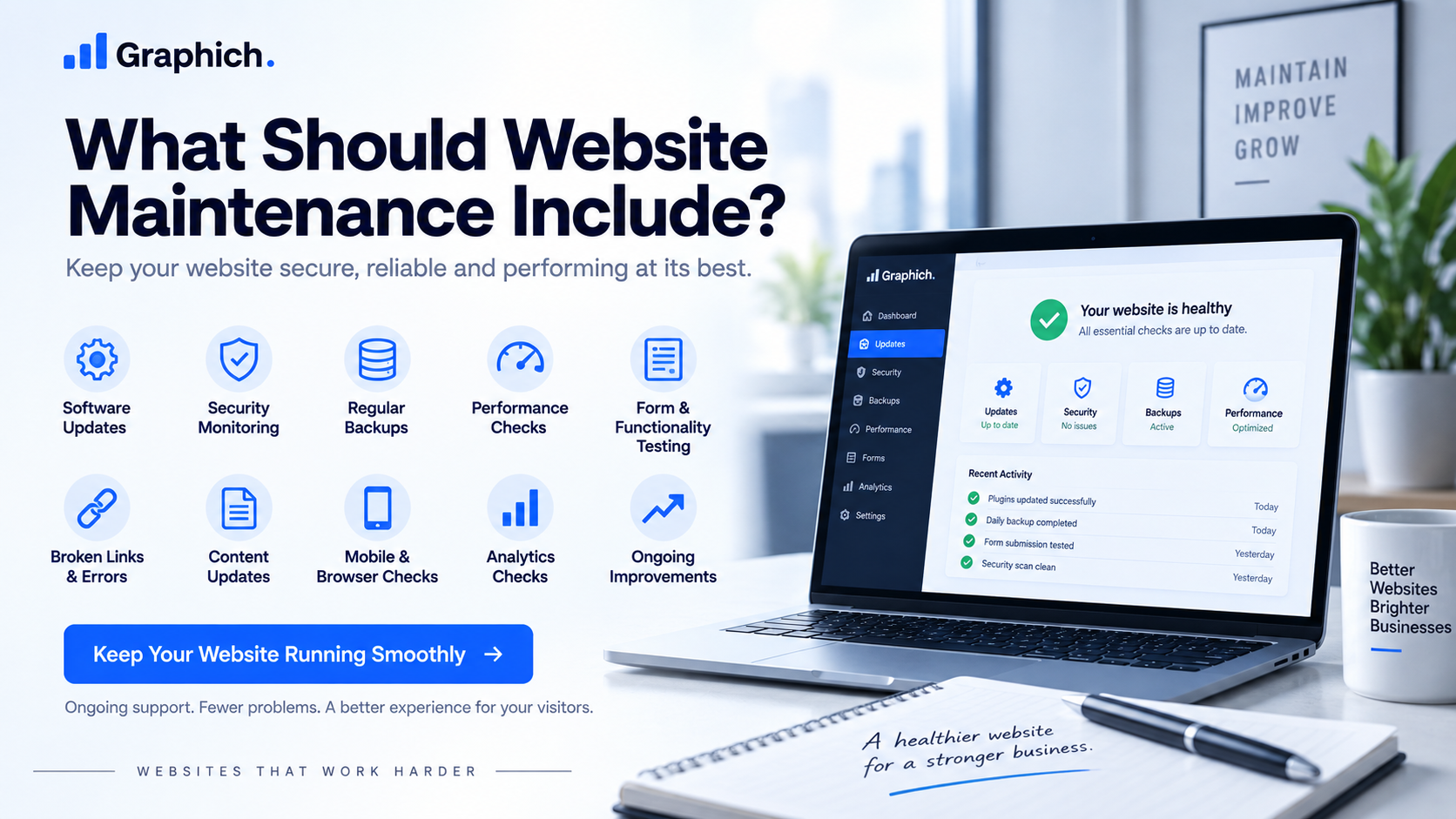
Website maintenance checklist covering updates, security, backups, performance and ongoing improvements

What Should Website Maintenance Include?

When a website is slow, outdated, difficult to manage or no longer generating enough enquiries, the first question is usually simple: Should you fix the existing website, or rebuild it properly? There is no single answer for every business. Sometimes a focused repair is enough. In other cases, continuing to patch the same website only delays an inevitable rebuild. The right decision depends on how much of the current website is still worth keeping.
Repair or rebuild website comparison showing website fixes and a full redesign option

Repair or Rebuild Your Website? How to Decide

When a website is slow, outdated, difficult to manage or no longer generating enough enquiries, the first question is usually simple: Should you fix the existing website, or rebuild it properly? There is no single answer for every business. Sometimes a focused repair is enough. In other cases, continuing to patch the same website only delays an inevitable rebuild. The right decision depends on how much of the current website is still worth keeping.

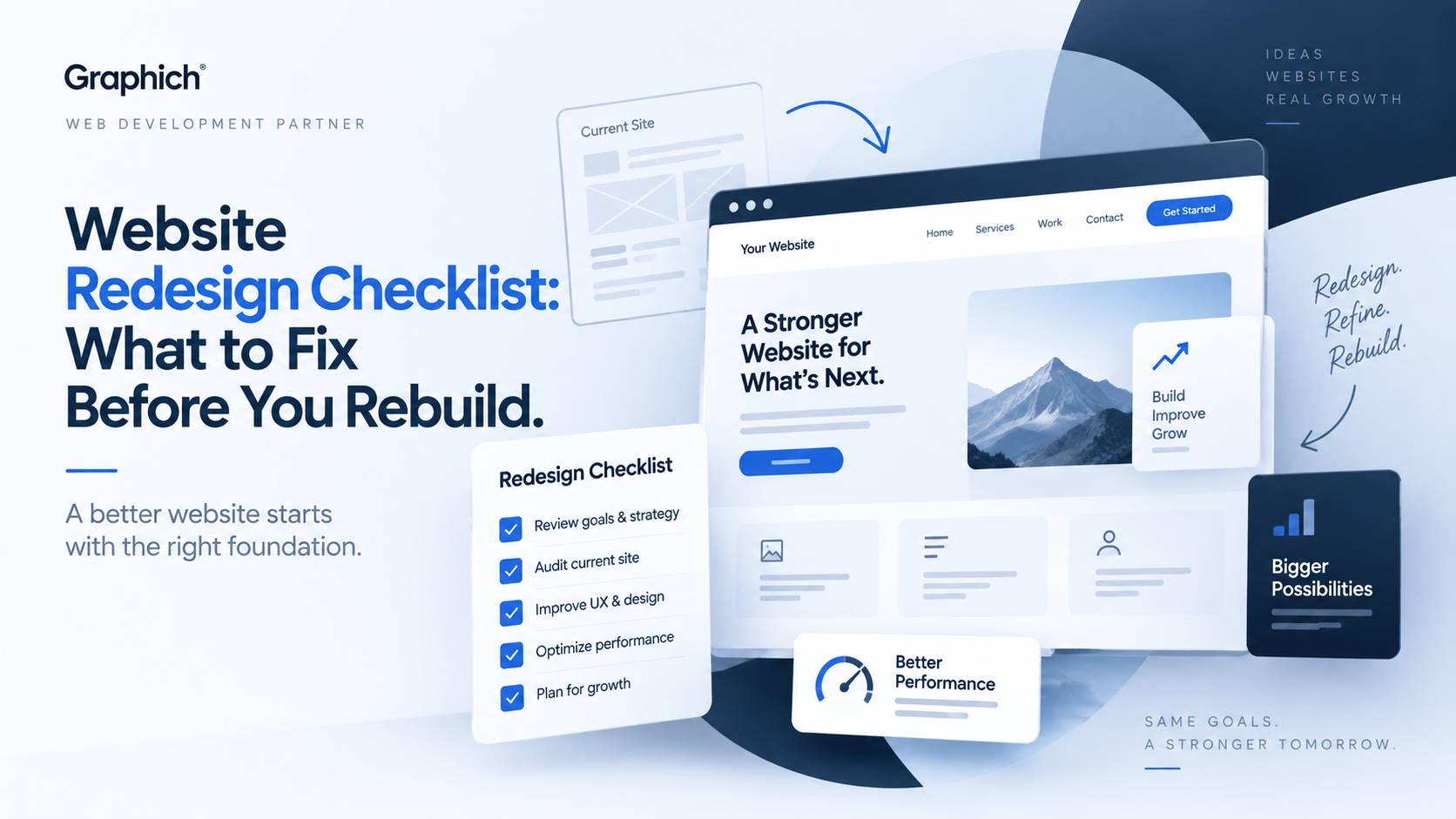
Website redesign checklist showing UX, performance and website improvement planning

Website Redesign Checklist: What to Fix Before You Rebuild

A website redesign should solve real problems, not just make the site look newer. Before rebuilding anything, it helps to understand what is already working, what is causing friction and what actually needs to change. Otherwise, it is easy to spend money redesigning the same problems into a different layout. This checklist will help you decide what should be fixed before the redesign begins.

Leave a Reply

Your email address will not be published. Required fields are marked *